 Origami
Learn origami,
one fold at a time
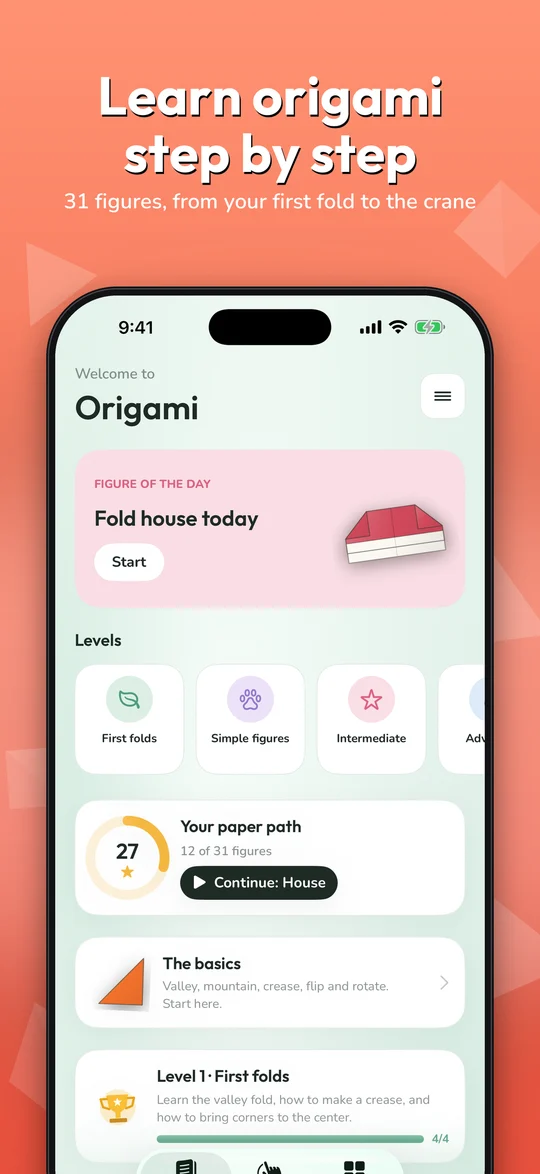
31 figures from your very first fold to the legendary crane. Watch every fold in 3D, then fold it with your own fingers and earn stars.
Everything you need to fold like a pro
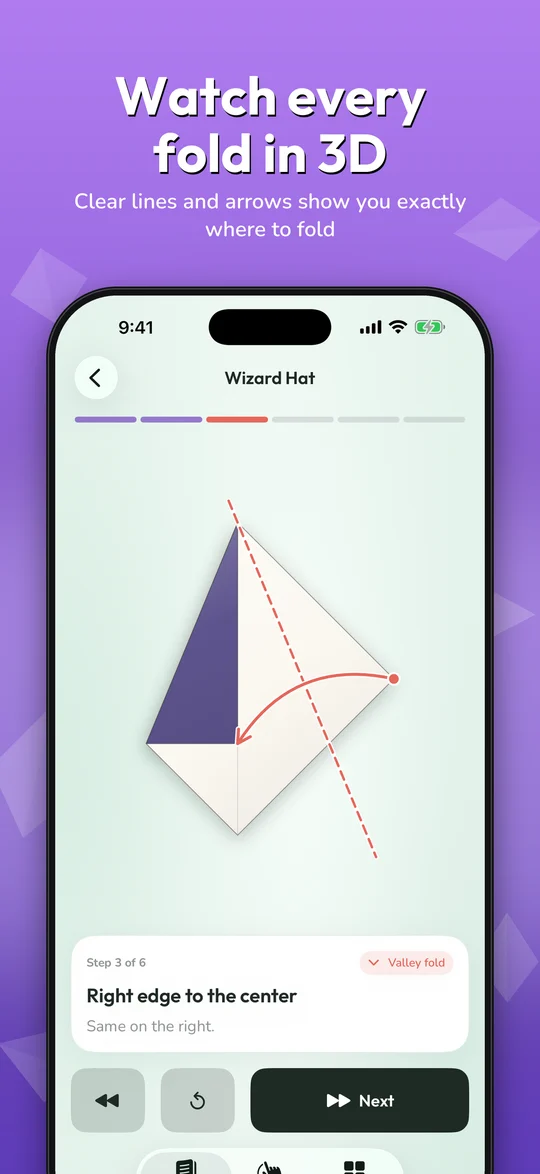
Watch every fold in 3D
Each step shows the fold line and an arrow, then the paper folds with real perspective and shadows.
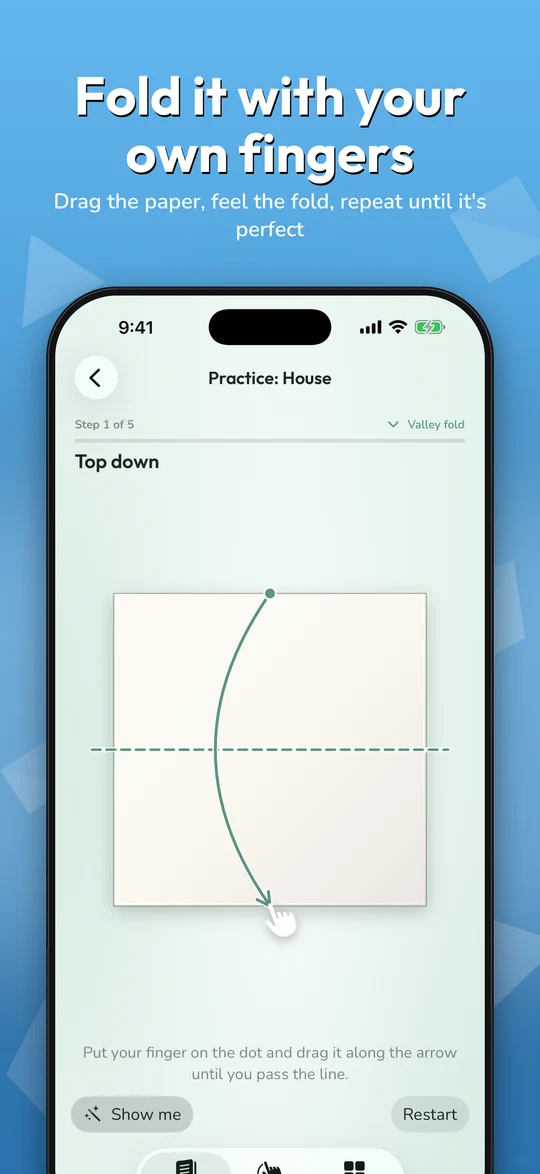
Fold with your fingers
A ghost finger shows where to drag. Hold the paper with pins just like on a real table.
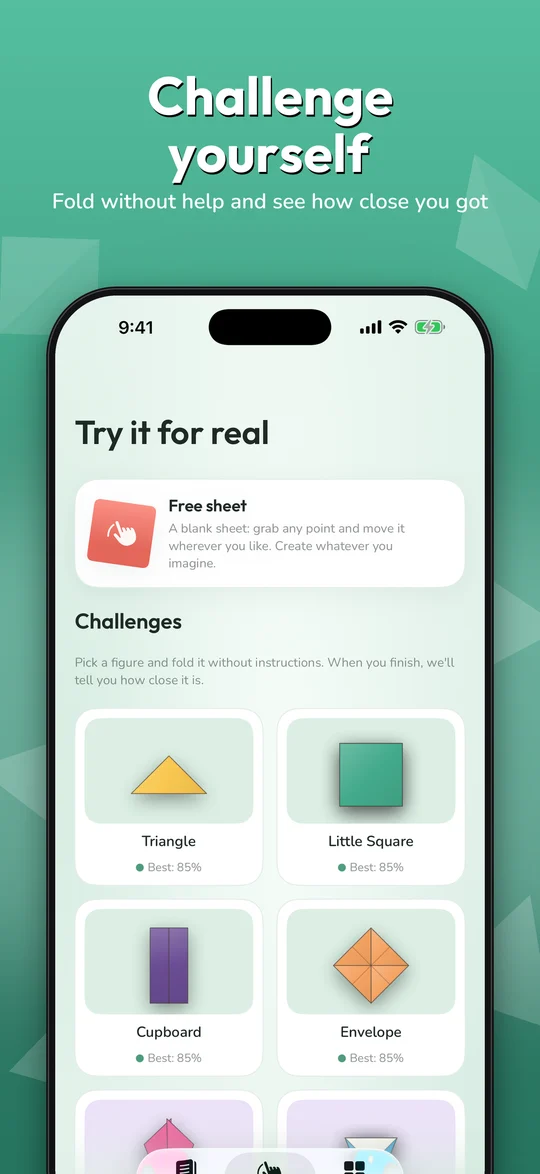
A blank free sheet
No instructions: grab any point of the paper and fold it wherever you want. Valley, mountain, flip and undo.
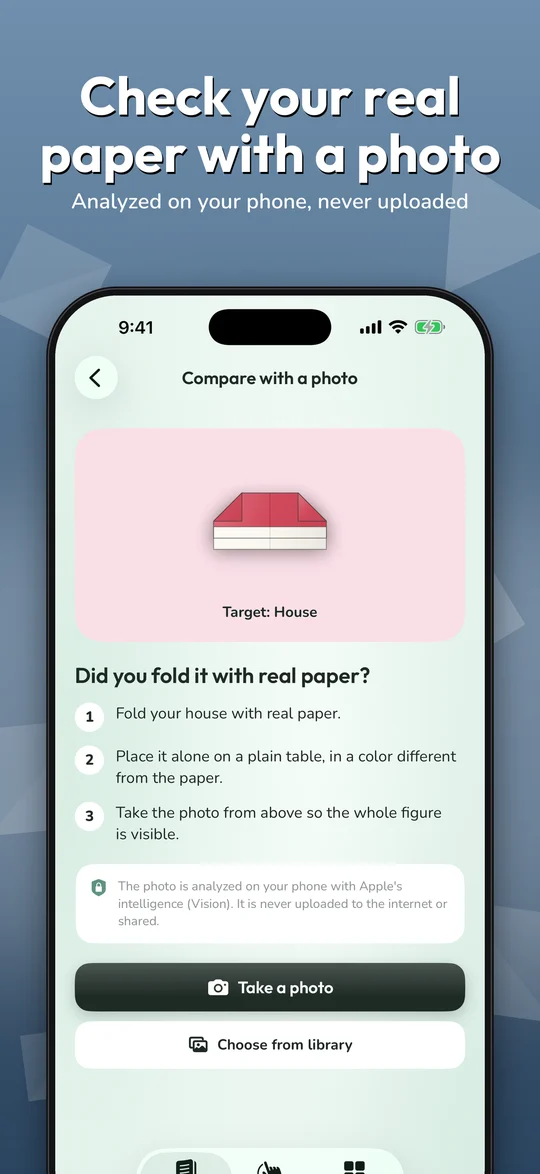
Check real paper with a photo
Folded a real figure? Snap it and see how much it matches. Analyzed on your phone, never uploaded.
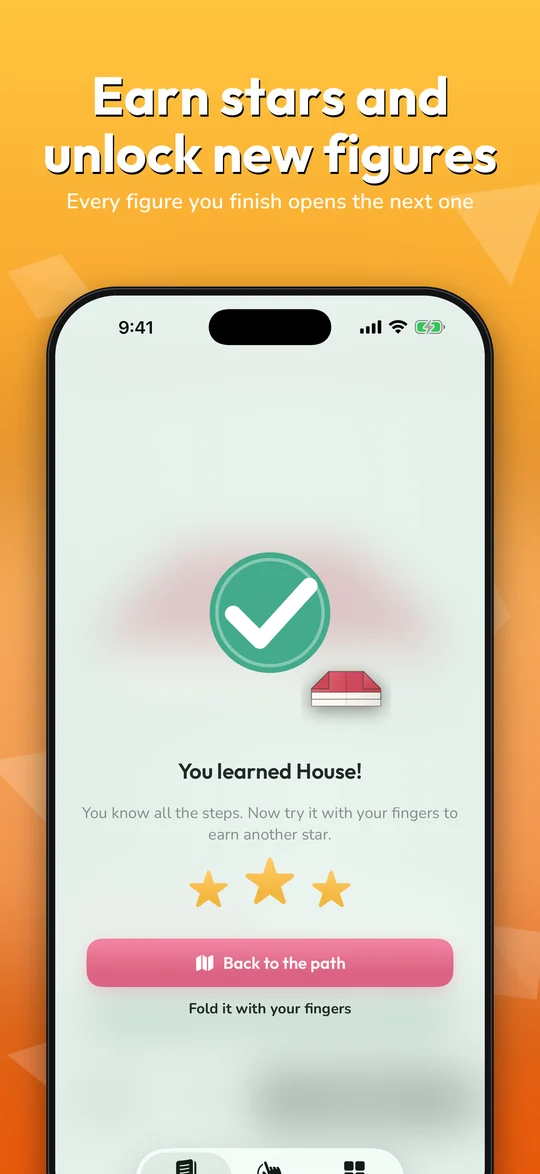
Earn stars, unlock figures
Up to 3 stars per figure. Every finished figure unlocks the next one on your paper path.
Made to feel good
Soft paper sounds, haptics and little celebrations make every fold satisfying.
How it works
Learn
Follow the 3D lesson step by step.
Practice
Fold it yourself with your fingers.
Challenge
Fold without help or snap a photo of real paper and earn your stars.
Take a look
Free to start
The first 4 figures, the free sheet and the basics are free. One single purchase unlocks the other 27 figures and every figure added in the future.
Questions
Is Origami free?
You can start for free with 4 figures, the free sheet and the basics lessons. A single one-time purchase unlocks the other 27 figures and all future ones. There is no subscription.
Do I need internet?
No. Everything works offline. The app has no accounts and no servers.
What happens with my photos?
When you compare a real figure with a photo, the image is analyzed on your device with Apple's Vision framework. It is never uploaded or shared.
Is it good for kids?
Yes, with a parent. There is no chat, no ads and no external links inside the app.
How do I restore my purchase?
Open the menu (top right on the Learn tab) and tap “Restore purchases”. You can also share the purchase with your family.
Which languages are available?
English and Spanish. The app follows your iPhone language.